
Photo Analysis
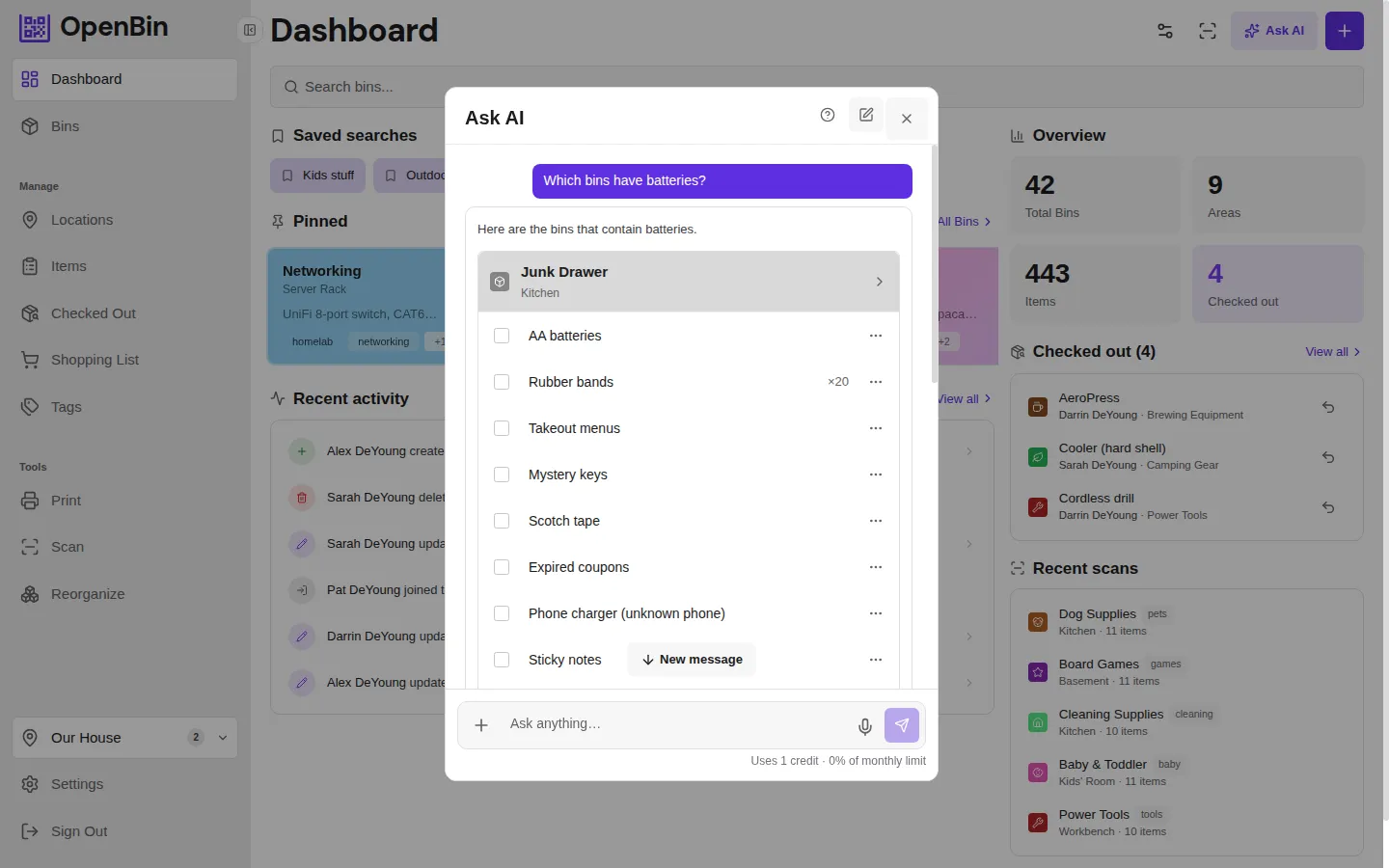
After uploading a photo to a bin, tap Analyze with AI to get suggestions for bin name, items, tags, and notes. Quantities are estimated when items are clearly countable, but may not be accurate for crowded or overlapping items — review before accepting. Each field can be accepted or dismissed independently.
If the first pass missed items or suggested incorrect names, you can re-analyze to get improved results. Tap the sparkle icon on the photo preview and click Reanalyze (or type a specific correction). The reanalysis sends both the photos and the previous suggestions back to the AI, so it can refine its output based on what it already identified. Changed fields are highlighted so you can see exactly what was updated.
See also: AI Overview for provider setup.