
AI Reorganization
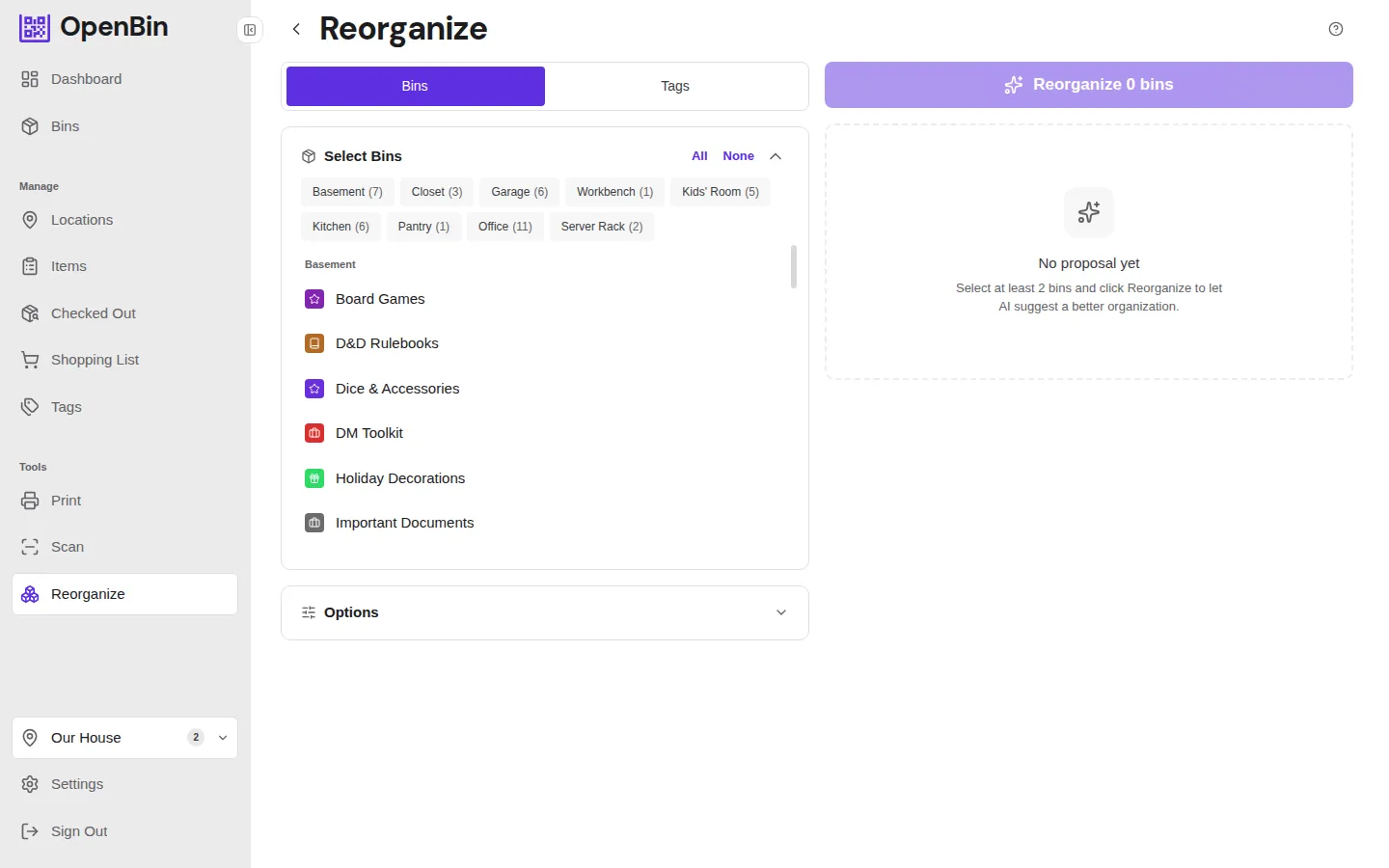
The Reorganize page lets AI suggest how to restructure an entire location's bins, areas, and tags — then apply those changes in bulk.
- Navigate to Reorganize from the sidebar.
- Select the bins to include (defaults to all).
- Click Suggest Reorganization — AI streams back proposed changes: renaming bins, moving them between areas, updating tags, and creating new areas.
- Review the preview showing all proposed changes side-by-side with current state.
- Click Apply to execute the changes or dismiss individual suggestions.
On Cloud, you can reorganize 10 bins at a time on Plus, or 40 on Pro. Self-hosted has no limit. If you select more than the cap, deselect some bins or upgrade.
A custom reorganization prompt can be set in Settings → AI → Advanced to guide the AI's restructuring logic (e.g. "group by room" or "consolidate similar items").